Computer essentials
Files, folders, keyboards, devices and confidence with the basics.
↗Build confidence with computer basics, MS Office and the AI tools shaping tomorrow's workplace—through practical, friendly training.
New in course
AI toolkit includedCommunity wins
0+ learnersEach module is designed to turn your first attempt into a skill you can use independently.
Files, folders, keyboards, devices and confidence with the basics.
↗Search smart, stay safe online and write professional emails.
↗Create polished documents, tables, CVs and letters with ease.
↗Build sheets, use formulas and present data that makes sense.
↗Design clear, professional presentations that hold attention.
↗Use ChatGPT and practical prompts to work faster and smarter.
↗Know the parts, programs and fixes behind everyday technology.
↗Turn your learning into portfolio-ready work and real confidence.
↗We pair clear explanations with small batches and guided assignments so you never feel left behind—and never just watch someone else do the work.
Explore the modules. Every topic has a clear outcome, a practical exercise and trainer support.
Get comfortable with computer parts, operating systems, files, folders, keyboard shortcuts and everyday troubleshooting.
5 practical topicsSearch with purpose, identify trustworthy sources, use cloud storage and communicate with clear, polished email.
4 practical topicsFormat reports, create resumes, work with tables and images, and prepare documents ready to share or print.
6 practical topicsEnter and organise data, write simple formulas, use functions and turn a spreadsheet into clear insights.
7 practical topicsPlan an idea, choose smart layouts, use visuals and deliver presentation slides that look confident.
4 practical topicsUnderstand AI responsibly, write useful prompts and use modern tools for research, writing and everyday productivity.
6 practical topicsBuilt around your pace.
No prior experience. No confusing jargon. Just focused practice that stays useful.
Start at zero with clear, patient explanations and no assumed knowledge.
Learn with current tools, comfortable setups and reliable internet access.
Create CVs, reports, sheets and presentations you can actually use.
Use current AI tools thoughtfully as part of your everyday workflow.
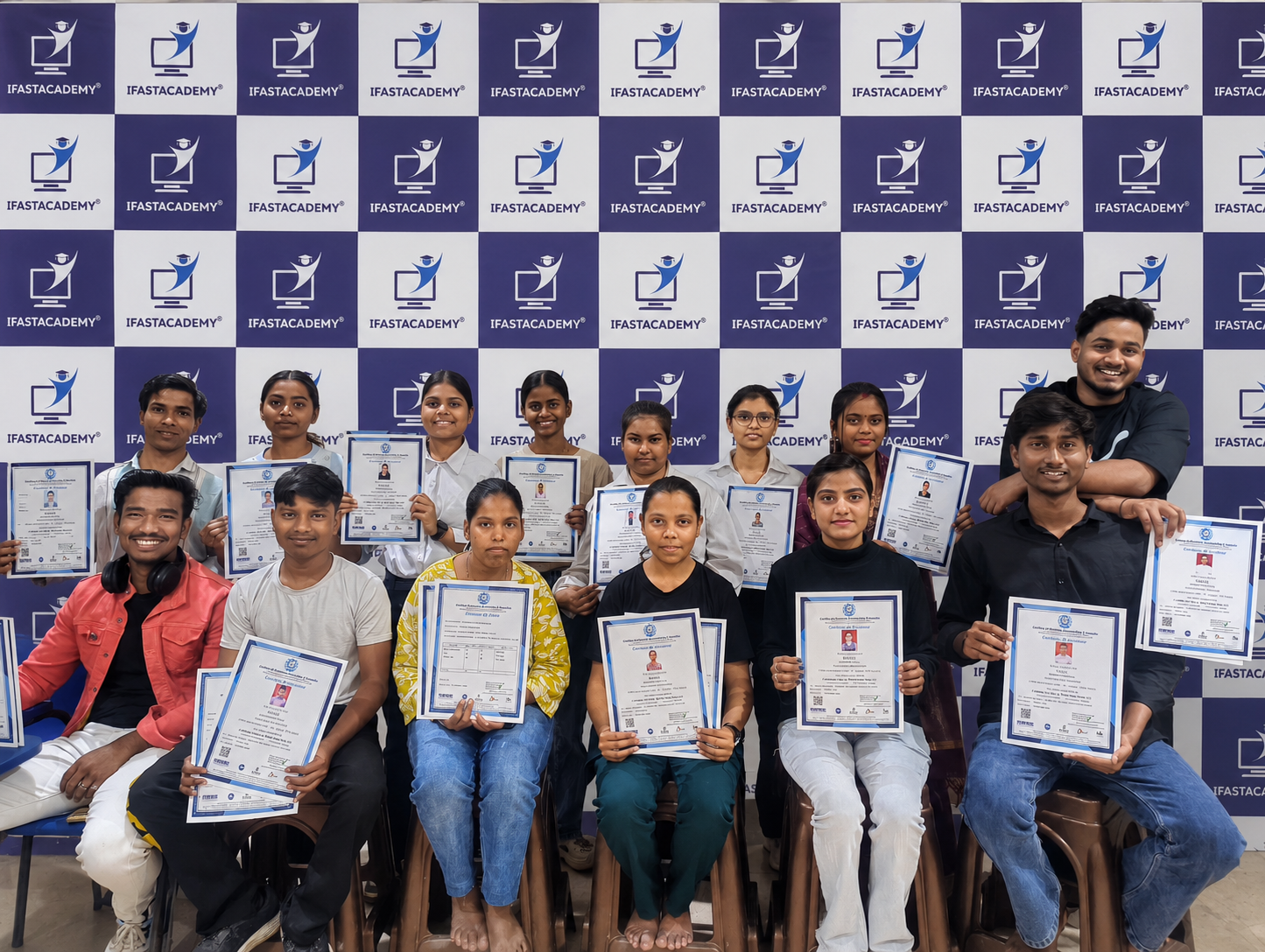
Celebrate your consistent effort with a course completion certificate.
Get interview and workplace tips that make your new skills easier to show.
Real learners, real confidence, real work they can be proud of.
Read all reviews on Google ↗iFast Academy provides an exceptional learning experience with its comprehensive curriculum and dedicated faculty. The institute's commitment to excellence is evident in its well-structured courses and cutting-edge teaching methodologies. Students benefit from a supportive learning environment that fosters both academic and personal growth. 😊 🥰
It's a very nice academy. Because - providing high-quality education with an emphasis on practical skills. The instructors are knowledgeable, and the content is well-structured, making it a great choice for individuals seeking to enhance their expertise.
This is a great institute with good teachers and good environment also we receive praticals assignment that enhance our learning experience here is the professional teacher and there teaching way is amazing thank you so much
Everything you may want to know before you choose your batch.
The core course runs in a structured format with regular practice sessions. Exact batch timings can be shared when you enquire.
Yes. Learners who complete the course and practical requirements receive an iFastAcademy completion certificate.
Absolutely. We start with the basics and keep the environment supportive, so no prior computer knowledge is required.
Yes. The course includes an approachable introduction to AI tools and prompt writing for practical everyday tasks.
Yes. Guided practice is central to the course, with trainer support while you work through each task.
Join a practical course that gives you the skills—and the confidence—to do more with them.
Share your details and the iFastAcademy team can help you choose the right batch.